
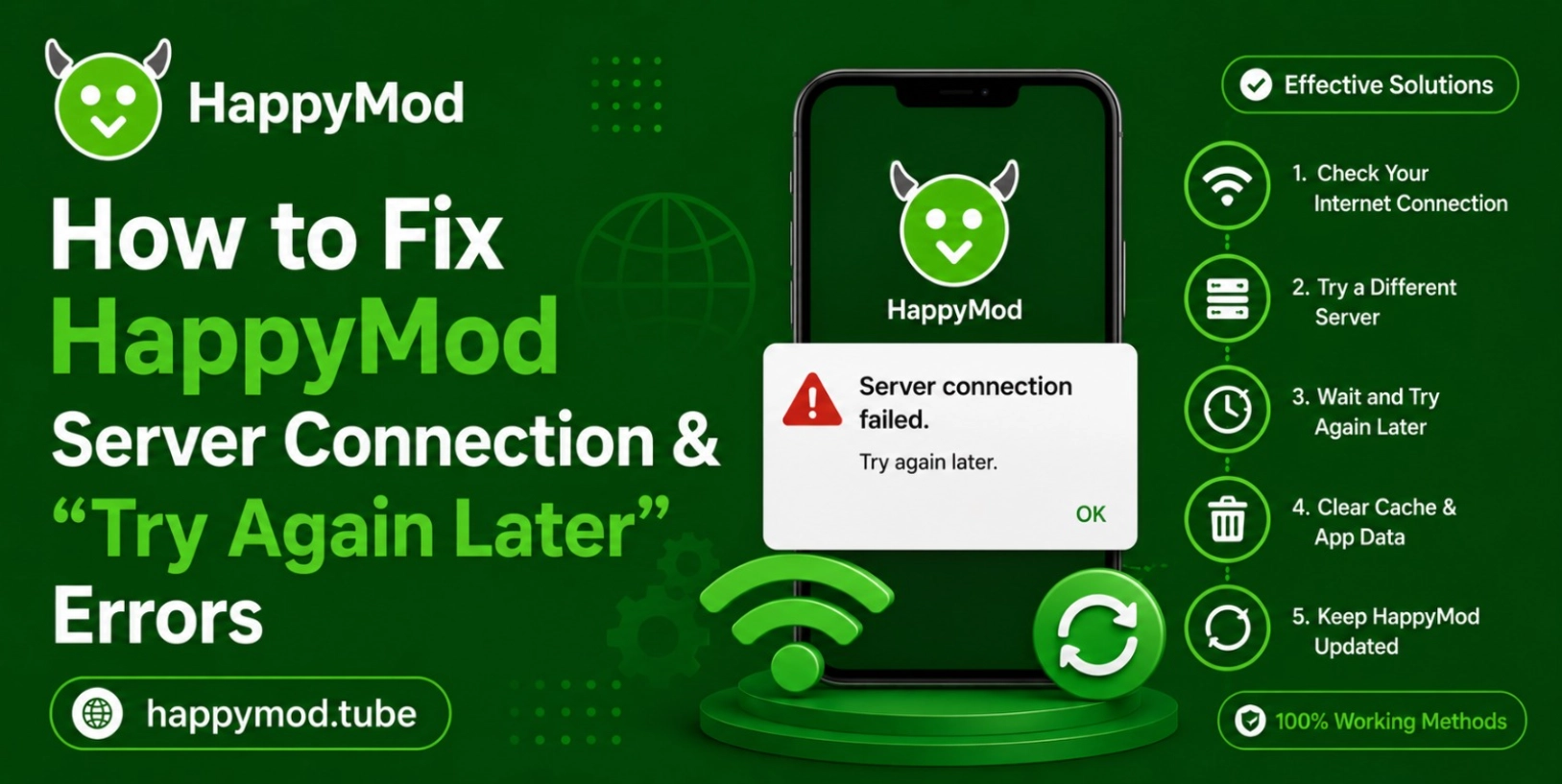
In 2026, if you are also facing the server issue in happyMod, the most common one is “Try Again Later” then you are not alone. On android, almost every user has to face that issue when they try to update their app or want to download any new app, game. Usually these types of issues occur when you have internet instability overloaded servers and you are currently running any outdated version of the app.
Restrictive android settings are also the reason that stops happy mode from working correctly. Luckily, if these problems can be diagnosed accurately, you will be able to download like a breeze again. So going through this journey, you will know why that problem occurs, so let’s get in:
Common Causes Behind “Try Again Later” Errors
A bad internet connection, congested HappyMod servers, an out of date app version and strict Android security settings are among the many reasons for a server connection error. These problems can cause download requests to be interrupted and can cause the application to not communicate with remote servers. Some other causes are temporary network disconnections, wrong DNS configurations, or bandwidth-hungry background programs.
Check Your Internet Connection and Network Stability
Before making any deep troubleshooting, first you have to make sure you have a stable internet connection that is actually causing the app’s functionality, so go in your device internet or your router setting to check, networking is working properly or not.
Weak Wi-Fi and Mobile Data Problems:
Many times poor single strength and unstable mobile data also causes the interrupt happy mod’s servers communication during long download sessions. When you have a large file to download and have bad signal strength then it cannot fetch the files in fast speed. To avoid this, you have to move closer with your router or have to completely switch to a new network. If you choose a stronger wifi then it will be great.
Better Network Settings for Stable Connections:
Try switching to a more robust Wi-Fi network, restarting your router or turning airplane mode on for a short time can help improve connectivity. Also, reset the network settings to default. These are fast changes to your signal and will drastically cut down on duplicated “Try Again Later” errors.
How to Fix HappyMod Server Connection Errors
Recommended Troubleshooting Methods:
When your internet connections always generate problems while downloading your favourite games then you can easily apply these tips to resolve problems and gain the fast downloading speed.
- First of all you have to completely close your happy mod app and then open it again, it’s best if you also remove your downloaded recent history.
- As cache always causes issues, so it will be great to delete all app caches and its temporary files.
- You have to completely disconnect with internet and reconnect with stable internet connection
- Update happy mod to the latest versions, as new versions came with many patches
- If these solutions not work, restart your device and then connect with internet
- You have to make sure that no vpn or proxy is not connected, as they slow down the internet speed.
Outdated HappyMod Versions and Server Compatibility Issues
If you are using an old version of happy mod then this may be the reason, as old version compatibility is completely different with new ones. New versions are completely optimised with servers, their loading speed is fast and you don’t have to face any kind of retry messages.
Many times these happy mod outdated versions will also use unsupported api’s or they use the broken server endpoints that are not working anymore. Developers always release new updates to completely improve the performance and fix many other bugs. If you install the new version then it will completely restore your server speed.
Best Device Settings for Stable HappyMod Connections
Important Android Configuration Adjustments:
If your device security is strict then it will also affect your successful downloads and waste all your time. To make sure the operation will remain smooth, you have to adjust these settings in your divide setting.
- Allow the happy mod app to run its data in background, even the screen if off.
- You have to disable your battery optimization for happy mod, as it is the primary reason of server issue
- First make sure that storage and network permissions are completely enabled for happy mod
- If there is any update, first go and update it.
- If you have any data saving mode enabled, first go and turn them off as they cause the internet to run slow or even cause the internet issue.
- Double check, if all background activities are closed, if any application is running, turn it off.
Cache Files and Corrupted Data Problems
App-server communication may be interrupted with corrupted cache files resulting in loading and/or connection failures. As we know, happy mod uses temporary files to make your files speed fast. If they become outdated or damaged then you will face the server connection problem. If you completely clear the cache and reset app data, you can easily solve “Try Again Later” messages. In simple terms, if you regularly manage the cache files then you can easily stable a smooth server on your android phone.
Effects of VPNs, Firewalls, and Security Apps on HappyMod
Many times, vpn, different firewalls or any antivirus you are using will block the happy mod app from working properly or may make the download speed slow. They think happy mode is a third party app and tries to close it. Proxy services also create an ip that conflicts with the downloading speed. If you completely restrict it,disable vpn and completely adjust your security settings then these will help a lot to restore your internet connection and remove the try again later problem.
Advanced Fixes for Persistent HappyMod Connection Problems
During the solving of happymod problems, many user also search What to Do If a Modded Game From HappyMod Keeps Crashing became unstable internet connection, outdated app version is the main factor that caused the gamer performance issue.
Additional Troubleshooting for Long-Term Errors:
Reinstall HappyMod, without removing important data.When you have constant issues with HappyMod, you can fix them with these advanced methods.
- Clear all the Android network settings.
- Without deleting the happy mod, reinstall it from settings.
- You can use any otherDNS server configuration to resolve issue
- You have to check official server outage announcements.
Preventing Future Server Errors in HappyMod
If you always keep your device and software completely updated and you also have a stable internet connection you can fix try gain problem. Always remove the cache and avoid all types of public network overloads. By adopting these you can easily prevent try again later problem and will ensure a consistent experience
Conclusion
Fixing the happy mod connection problem and “Try Again Later” errors always require the actual source of the problem. If you are using an unstable internet, outdated app versions, have any cache corruption problem or if your device restrictive settings are emblemed then these are the first things that cause problems.
The most effective way to troubleshoot methods, which usually ranges from completely clearing cache fields to optimising the internet connections and always keeping software properly updated. If you successfully bypass these steps then you can easily maintain a smooth and more stable happy mod performance on your old or new android devices.