
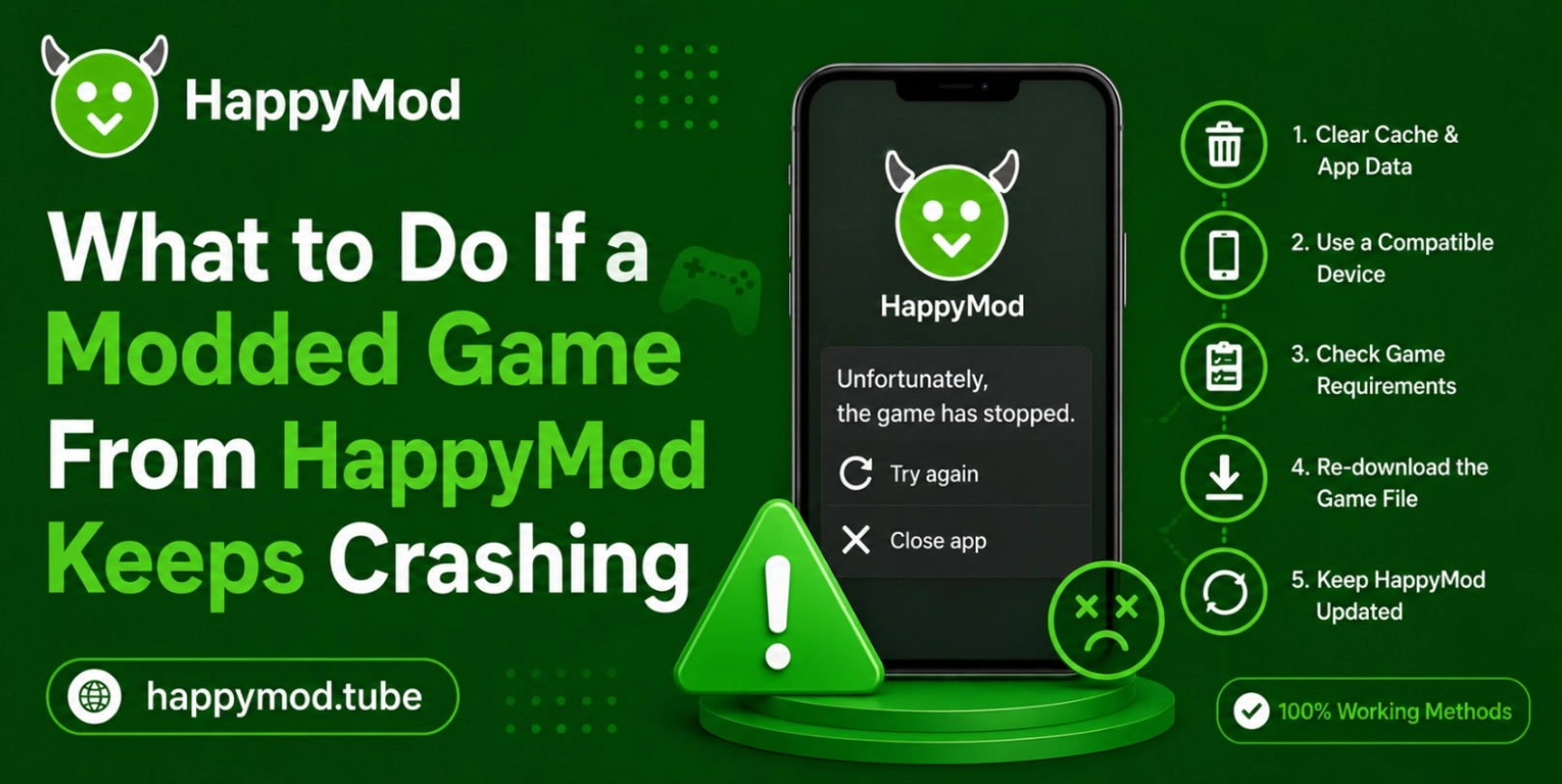
Playing your favourite modded game from happymod is an exciting way to completely unlock all game features for free and also enjoy the unlimited game resources that usually normal users have to pay. But many times, games have to experience constant crashes and it can quickly ruin the whole fun. If your modded game is crashing, it does mean that it has a virus or has any other kind of issue. Your game is just making conflicts with your anodoid device. If you do deep research and completely understand the root cause then you can easily fix your problem and again run your game smoothly.
In this guide we will move through all steps to easily understand and fix your problem. So let’s get in:
Why Modded Games From HappyMod Keep Crashing
Modded games frequently modify the original code to unlock features in a game, which can also cause instability. These tweaked files may not always fit exactly into your phone’s hardware and software setup. Also, the game may be poorly coded by the modder or have security settings in conflict with your device. If you can, knowing these things is a lot easier to troubleshoot and prevent interruptions with your games.
Check Device Compatibility and Android Requirements
Unless you’re ready to take a complex fix, first make sure your smartphone has the game’s minimal requirements. By applying that simple step, you can easily save your time and also make sure that your Android device has necessary hardware, OS version and also enough memory to run that specific file.
Hardware and OS Mismatch Problems:
- Low RAM causing sudden app shutdowns: many times the modded games demand more ram. As your system has a low ram then your device forces to start the app, in reality you have to face a game crash.
- Unsupported Android version conflicts: usually apks which are designed for older or new operating systems, they automatically crash the game.
- Weak GPU performance in heavy games: many times high end graphic on a budget device will also cause game lag or will lead to freezing
- Storage limitations affecting game loading: if your device has insufficient storage that games require then it will completely lead to game crash.
- Outdated system software issues: if you are running an strict os then it will limit the system compatibility and you will face issues with newer modded applications.
How to Fix Modded Game Crashes in HappyMod
The following simple troubleshooting procedures will help you solve most of your instability problems.
Basic Fix Methods for Stability:
- Reboot the Android device fully: Restarting the Android device will clear system memory and fix some minor software problems that may be creating the problem.
- Clear app cache and game data: The temporary files are removed, which may result in the removal of corrupted data that could be causing the crash.
- Check stable internet connection:Some mods require a verification process online to skip simple checks for license.
- Reinstall the modded game APK: if you completely uninstall the app and again download the new one then it will also solve the problem.
- Update HappyMod to latest version: you have to keep your happy mod app completely up-to-date because it will run with your system updated files and dont cause any issue.
- Disable background apps while gaming: you have to free up the background resources. Many times running extra background apps also causes the game to crash.
Corrupted Files and Broken Mod APK Issues
Sometimes it’s not just your Android smartphone or tablet that’s the is causing issue, it’s the file itself. If you experience any of the following problems: freezing, graphical glitches, unexpected crashes, it means that the game files are corrupted, broken or damaged.
Signs of Damaged Game Files:
- App hangs at start-up: The game fails to load because of the absence of or corruption of important game launch files.
- Graphics glitches, black or not loading: The pictures on the screen are not complete or look glitched.
- Unexpected force close during game: causes the game to stop running immediately when some action is taken.
- Installation errors or partial downloads: Errors in the installation process or only part of the APK package is downloaded.
- Random lag spikes and glitches:If mods are broken, they may have difficulty running the game smoothly.
Conflicting Apps and Background Process Problems
On the internet many users also check How to Request a New Game Mod on HappyMod (Community Guide) when their current mod version keeps crashing and their android device is not optimised for it.
The environment in which your device operates is vital to the operation of modded apps. There may be other apps or background processes that affect game performance, such as crashes or lag, which can disrupt your gameplay and cause frequent frustration.
There are some apps that interfere with the performance of the Game:
- Real-time scanning of antivirus programs: Security software may consider mods to be threats, and close them down to keep your device safe.
- Power Saving – CPU Usage Limiting: These modes are designed to save power at the expense of reduced CPU usage, which results in inevitable crashes.
- Performance screen recorders: These types of screen recordings use much of the system resources required for the game.
- Too many background processes: are running at the same time, thus depriving the modded game of adequate memory.
- Notification-heavy apps slowing system: if your device shows constant pops then it is a big alert that your game will cause rendering issues and in some cases you have to face the display issue.
Optimizing Settings for Smooth Modded Gameplay
By just tweaking the few internal setting, anyone can easily enhance the stability and also prevent future shutdowns while you are playing game:
Best Performance Improvement Adjustments:
- Lower in-game graphics settings: you have to lower your game graphic setting. Like it is set to high , you have to make it low or very low.
- Enable performance mode on device: new modern mobiles have dedicated gaming mode, you have to enable it, it will make the processor overclock.
Conclusion
Experiencing the crashes issue with happy mod games can be frustrated as they break the flow and remove the whole fun but it is a normal problem that can be solved easily. By checking your device compatibility and clearing your device’s recent cache, completely managing all background apps, optimizing your settings of game and device will easily produce stability and again you can play your favourite titles.
If one mod continues to fail, there are chances that file may be broken and you have to find the best alternative on happy mod. Always keep your system clean and enjoy the flawless mobile gaming with unlimited items.