
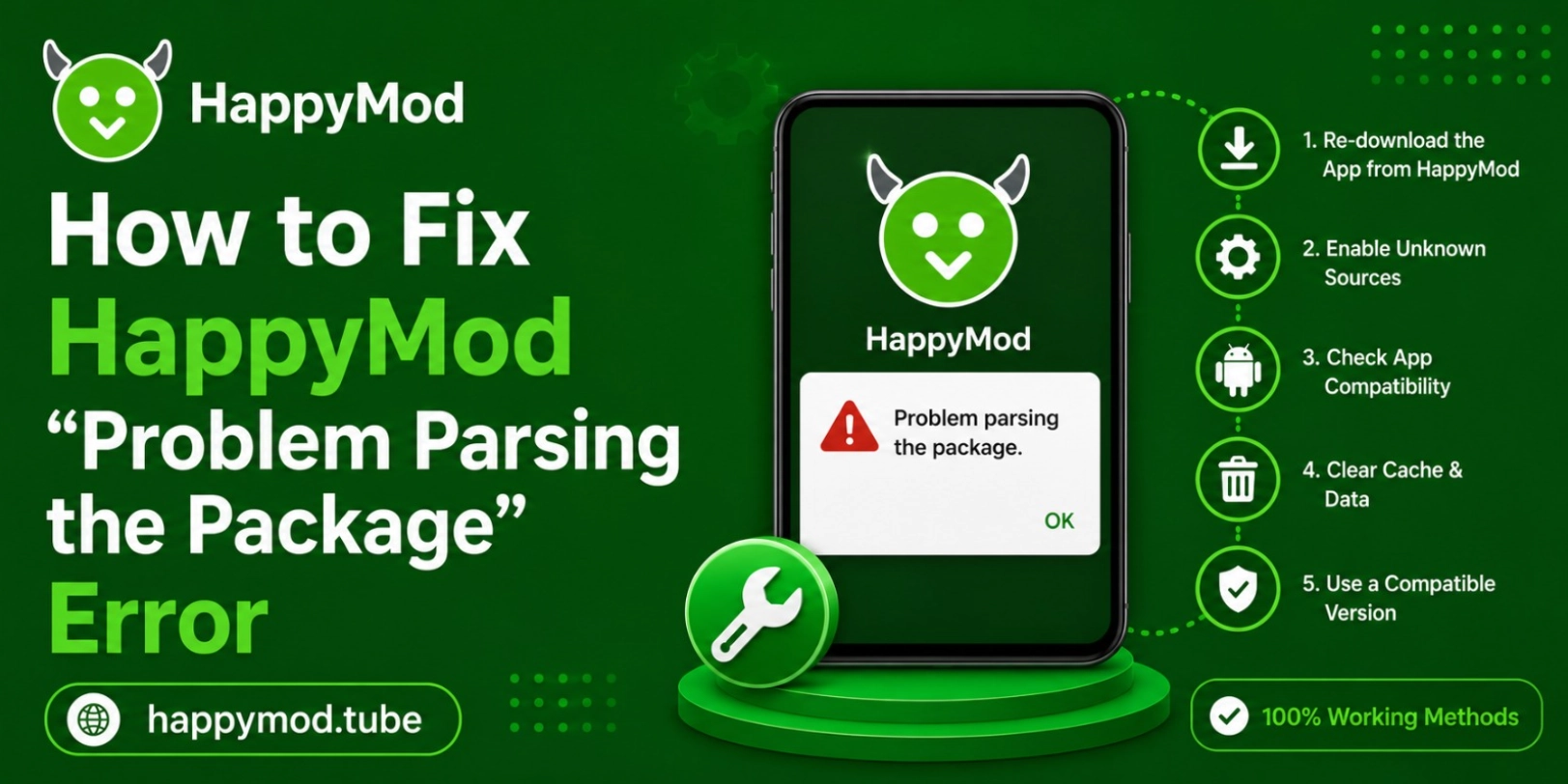
During the app installation, the common problem “Problem Parsing the Package” is faced by many android users and always frustrates them even including those people who are using happyMod. This is not any kind of malware or virus, it just occurs due to incompatibility problems, many times corrupted files or you download an incorrect version. If you read the whole blog and completely understand all the causes and also read their solutions then you can easily help all other users to also install their desired applications and enjoy the smooth experience.
So here is the guide that will help you to easily remove that problem and minimize your frustration. Let’s get in:
Why does Android fail to read APK package files?
If the application package cannot be decoded, then Android will cancel the package installation, and will show a parsing error. It’s not necessarily a problem with the app. These are some of the typical reasons:
- No package data: Package is missing or lacks important information.
- Interrupted downloads: The download was not completed, which caused the APK file to be corrupted.
- Unsupported app architecture: The App does not support your device’s hardware.
- Bad file handling: The browser or other app did not handle the file properly.
- Corrupted file: APK file is corrupted and cannot be read.
How does Android verify an APK structure before installation?
Android will verify the APK by its package signatures, app used files app and internal resources of the device before installation. It is a security measure to assure the integrity and authenticity of the file is safe or not. If one of these key components is missing, corrupted or unreadable, the system will show there is a problem parsing the package and refuse the file to avoid potential problems.
What is the difference between installation errors and parsing errors?
Parsing problems occur prior to the beginning of the installation, whereas install errors typically occur during application installation. A parsing error simply means that the device can’t even open the blueprint for the app.
How do broken APK data and file extraction problems cause parsing errors?
A lot of HappyMod parsing errors occur due to the APK file being not completely downloaded. Interruption of the Internet connection, or a pause in downloads, or interruption of the browser may harm the important data needed to complete the installation. If the file is downloaded, but does have the missing internal resources, Android will not read it properly. There are also some devices that are not able to extract APK packages, compressed folders that are zipped.
Common file extraction problems include:
- Due to unstable internet connection, there are chances that you have downloaded the incomplete file.
- Many times, browsers also break the file, during the saving process, if that you have to completely download the file again.
- If your apk files are stored inside the compressed archives, after a few times it will damage and cause parsing errors.
- While downloading, if any interruption occurs then you also have to face parsing problems.
What device software limitations cause HappyMod parsing issues?
Usually android phones with older versions struggle to run modern apk files. In the new version of happy mod apk, there are many files which are especially optimized for modern moves, that’s why older androids cannot handle them easily. Due to this, compatibility conflicts occur and app verification gives errors. Many apps are specially designed for specific processors and android phones so if your device is not in the list then you have to face issues.
Many times slow downloading speed is also becoming the major reason to make apk file download incomplete and lead you to parsing issues. If your files took many times to download then you have to read this guide Why is HappyMod Downloading So Slow? 5 Tips to Speed Up Downloads easily speed up your download speed.
Why do outdated Android security frameworks block modern APKs?
Older android versions have old optimizations and they cannot work properly with the new ones. When you try to install some modern game or app in an old android the system forces you to abort the installation process so that it can protect itself.
Which hidden permission restrictions block Android from reading APKs?
As android security does not allow you to install third party apps. When you try to install an app it quietly blocks it and doesn’t give you any proper reason. When device’s storage, installer access or unknown installation try to execute, android cannot read your file and while installing it represents the parsing error. Many times file managers and many other browsers need proper access to transfer their happy mod or any other app you download into installation. These hidden restrictions are the ones that create parsing errors, it doesn’t matter if your happy mod apk file is completely safe.
There are few permissions that block the process
- Usually file managers don’t have permission to install apps and while installing apps ask for storage, file managers decline it.
- Browser have been blocked, while installing it android did not give permissions to processed
- Your device’s unknown source access is disabled.
- If your device has antivirus then it will also cause packaging verification.
What are the best safe installation practices to avoid parsing errors?
If you are thinking that these parsing problems are not able to be solved then you are wrong, they are easier then you think. First you have to download the apk file from official happy mod apk. While downloading, you must have a stable internet connection and also keep your android device completely updated. Clear your temporary cache files as they reduce the load on the device and minimize the conflicts issues. So, by following these safe installation habits, you can significantly lower the chances of seeking that app has parsing error in future happy mod updates.
Conclusion
The happy mod packages are completely safe and these errors occur when android cannot properly verify or process your app data. Many times corrupted, outdated software and many restricted permissions are completely responsible for these issues. Instead of randomly retrying all installations, users should have to focus on exactly where the problem is occurring.
Most parsing errors can be easily corrected using proper APK installation approaches and by being careful about checking the device compatibility. Most parsing errors can be resolved without advanced technical solutions, risky modifications, and just a quick fix that is possible by following the proper APK installation approaches and paying attention to the device compatibility.